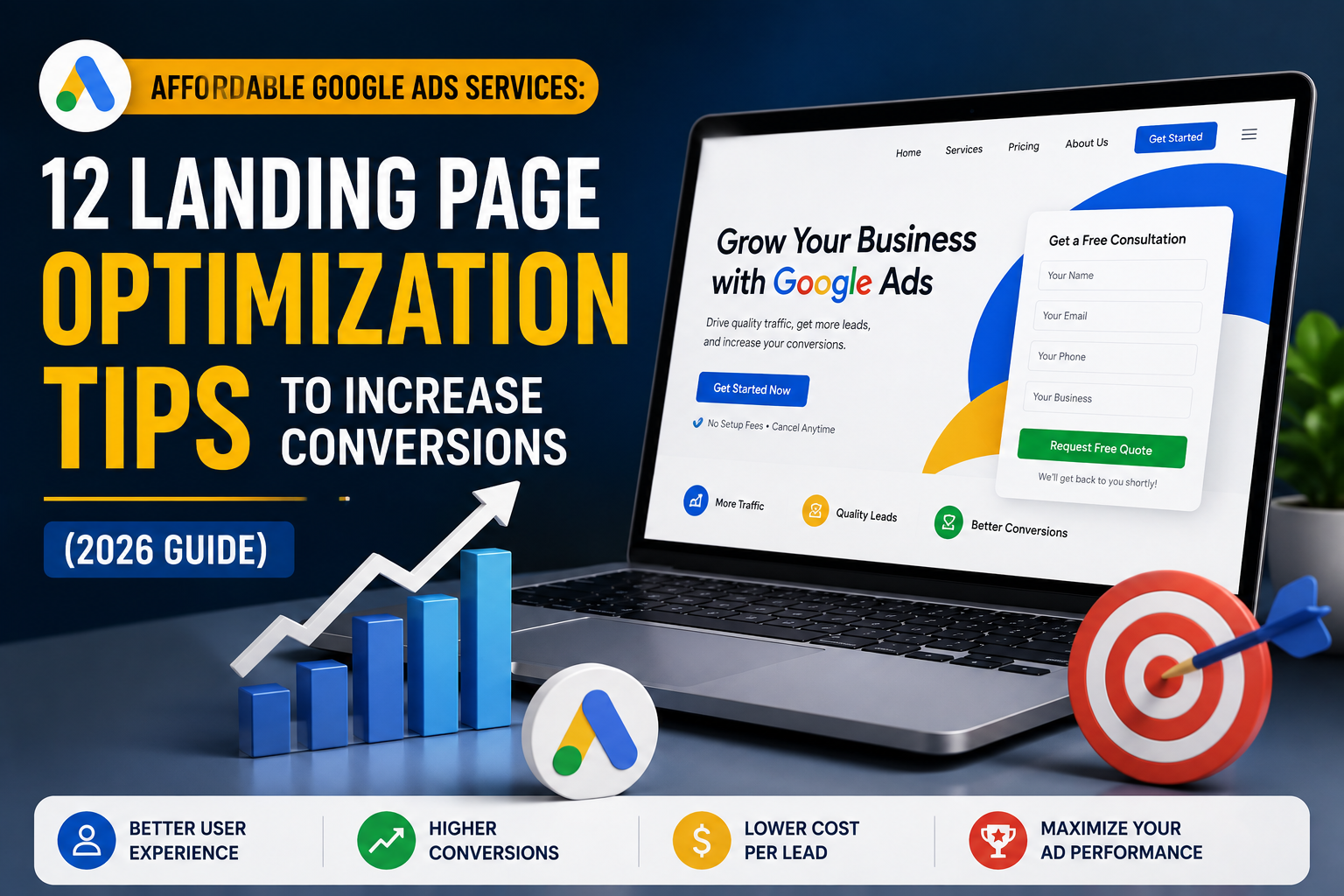
Affordable Google Ads Services: 12 Landing Page Optimization Tips to Increase Conversions (2026 Guide)
Driving traffic to your website through Google Ads is only half the job. What happens after a visitor clicks your ad has an even greater impact on your campaign’s success.
Many businesses invest in Google Ads but send visitors to poorly designed landing pages. These pages often load slowly, contain too much information, or fail to guide visitors toward taking action. As a result, businesses experience low conversion rates, wasted advertising budgets, and disappointing returns on investment.
A well-optimized landing page bridges the gap between an advertisement and a conversion. It reassures visitors that they are in the right place, provides the information they need, and encourages them to complete a specific action—whether that’s filling out a contact form, requesting a quote, making a purchase, or booking a consultation.
Google also evaluates landing page experience as part of its Quality Score. Better landing pages can improve ad rankings, reduce Cost Per Click (CPC), and increase conversion rates simultaneously.
This is why professional Affordable Google Ads Services focus not only on creating effective ads but also on optimizing the landing pages where visitors arrive.
In this guide, you’ll learn 12 practical landing page optimization tips that can help increase conversions, improve user experience, and maximize the return from your Google Ads campaigns.
Why Landing Page Optimization Matters
Imagine two businesses running nearly identical Google Ads campaigns.
Both target the same keywords.
Both spend the same daily budget.
Both receive similar numbers of clicks.
Yet one business generates twice as many enquiries.
Why?
The difference is often the landing page.
A strong landing page can turn visitors into customers, while a weak one causes people to leave without taking action.
Benefits of an Optimized Landing Page
A well-designed landing page can:
- Increase conversion rates
- Improve Google Ads Quality Score
- Lower Cost Per Click (CPC)
- Reduce bounce rates
- Build customer trust
- Increase lead generation
- Improve Return on Investment (ROI)
Businesses using Affordable Google Ads Services often achieve better campaign performance because they optimize every stage of the customer journey—not just the advertisements.
Tip #1: Match Your Landing Page with Your Ad
One of the biggest mistakes advertisers make is sending users to a generic homepage instead of a dedicated landing page.
Visitors click an ad because they expect to find exactly what was promised.
If your ad says:
Affordable Google Ads Services for Small Businesses
your landing page should immediately reinforce that message.
It should include:
- The same primary headline
- Relevant service information
- Matching offers
- Clear pricing or benefits
- A strong call-to-action
Example
Advertisement
Affordable Google Ads Services
Increase Leads & Maximize ROI
↓
Landing Page
Affordable Google Ads Services for Small Businesses
Generate More Leads with Professionally Managed Google Ads Campaigns
This consistency reassures visitors that they have reached the correct page.
It also improves ad relevance and supports a higher Quality Score.
Tip #2: Write a Clear and Benefit-Driven Headline
Your headline is the first thing visitors notice.
It should explain exactly what you offer and why it matters.
Avoid vague headlines like:
- Welcome to Our Website
- Digital Marketing Solutions
- We Help Businesses Grow
Instead, communicate a clear benefit.
Better Examples
- Affordable Google Ads Services That Generate More Qualified Leads
- Increase Sales with Expert Google Ads Management
- Lower Your Advertising Costs with Smarter Google Ads Campaigns
Effective headlines should:
- Clearly describe the offer.
- Include the primary keyword naturally.
- Focus on customer benefits.
- Match the message in your advertisement.
Professional Affordable Google Ads Services use clear, relevant headlines to improve user engagement and increase conversions.
Tip #3: Focus on One Goal Per Landing Page
Every landing page should have one clear objective.
Trying to promote multiple services at once often confuses visitors.
For example, avoid combining:
- SEO Services
- Website Development
- Social Media Marketing
- Graphic Design
- Google Ads Management
on the same landing page.
Instead, create a dedicated page focused on one service.
Example Goal
If the page promotes Affordable Google Ads Services, every section should support that objective.
Include:
- Service overview
- Benefits
- Process
- Pricing (if applicable)
- Testimonials
- FAQs
- Contact form
Avoid unnecessary distractions.
A focused landing page makes it easier for visitors to understand your offer and complete the desired action.
Tip #4: Add a Strong Call-to-Action (CTA)
A landing page should clearly tell visitors what to do next.
Without a visible call-to-action, even interested users may leave without contacting your business.
Good CTAs are:
- Action-oriented
- Easy to understand
- Visually prominent
- Repeated throughout the page
Effective CTA Examples
- Get a Free Quote
- Request a Proposal
- Schedule a Free Consultation
- Start Your Google Ads Campaign
- Talk to Our Experts
- Contact Us Today
Place CTAs strategically:
- Near the top of the page
- After explaining key benefits
- Following testimonials
- At the bottom of the page
The easier it is for visitors to take the next step, the higher your conversion rate is likely to be.
Businesses offering Affordable Google Ads Services often improve campaign performance simply by making their CTAs more visible, specific, and compelling.
Tip #5: Improve Landing Page Speed
A slow landing page can cost you valuable leads.
When someone clicks your Google Ad, they expect the page to load almost instantly. If it takes several seconds, many visitors will leave before seeing your offer.
Google also considers page speed when evaluating your landing page experience, which can affect your Quality Score and advertising costs.
Ways to Improve Page Speed
Improve loading time by:
- Compressing large images.
- Using modern image formats like WebP.
- Enabling browser caching.
- Removing unnecessary plugins.
- Minifying CSS and JavaScript files.
- Choosing reliable web hosting.
- Reducing heavy animations and pop-ups.
Why Speed Matters
A faster landing page can:
- Reduce bounce rates.
- Improve user experience.
- Increase conversion rates.
- Lower Cost Per Click (CPC).
- Improve Google Ads Quality Score.
Businesses using Affordable Google Ads Services often improve campaign performance simply by making their landing pages faster and more responsive.
Tip #6: Build Trust with Social Proof
Visitors are more likely to take action when they see evidence that others have had a positive experience with your business.
Trust plays a major role in conversion decisions, especially for service-based businesses.
Add These Trust Signals
Include:
- Customer testimonials
- Google reviews
- Case studies
- Client logos
- Success stories
- Industry certifications
- Awards
- Years of experience
Example
Instead of saying:
“We’re experts in Google Ads.”
Support your claim with evidence.
For example:
- 100+ successful campaigns managed
- 95% client satisfaction
- Positive customer reviews
- Proven increase in leads for past clients
These trust signals reassure visitors and reduce hesitation.
Professional Affordable Google Ads Services often include testimonials and case studies on landing pages because they help improve credibility and increase conversions.
Tip #7: Keep Your Contact Form Simple
Every additional form field creates more friction.
If visitors have to complete long forms, many will leave before submitting them.
Ask only for information you genuinely need.
Good Contact Form
- Name
- Email
- Phone Number
- Business Name
- Message
Avoid Asking For
- Full postal address
- Company size (unless necessary)
- Budget range (too early)
- Multiple survey questions
- Unnecessary dropdown menus
Shorter forms usually generate more enquiries because they’re easier to complete.
Best Practices
- Keep forms above the fold when possible.
- Make fields easy to fill on mobile devices.
- Clearly explain what happens after submission.
- Display a confirmation message after the form is sent.
Businesses offering Affordable Google Ads Services often achieve higher conversion rates by reducing unnecessary form fields and simplifying the enquiry process.
Tip #8: Optimize for Mobile Users
Most Google Ads clicks now come from smartphones.
If your landing page isn’t mobile-friendly, visitors may struggle to navigate your site, causing them to leave before converting.
Mobile Optimization Checklist
Ensure your landing page:
- Loads quickly on mobile networks.
- Uses readable font sizes.
- Has clear spacing between elements.
- Displays images correctly.
- Features large, clickable buttons.
- Uses short paragraphs.
- Avoids intrusive pop-ups.
Mobile CTA Placement
Your primary call-to-action should remain visible without requiring excessive scrolling.
Examples include:
- Call Now
- Get a Free Quote
- Request a Proposal
- Book Your Consultation
A responsive design creates a smoother experience and increases the likelihood of conversion.
Businesses investing in Affordable Google Ads Services understand that mobile optimization is no longer optional—it is essential for campaign success.
Common Landing Page Mistakes to Avoid
Avoiding these mistakes can significantly improve conversion rates.
| Mistake | Why It Hurts Conversions |
|---|
| Slow loading pages | Visitors leave before the page loads |
| Generic headlines | Visitors lose interest quickly |
| Too many CTAs | Creates confusion |
| Long contact forms | Reduces enquiries |
| Weak trust signals | Lowers credibility |
| Poor mobile experience | Increases bounce rate |
| Sending traffic to the homepage | Reduces ad relevance |
| Too much text without structure | Makes content difficult to read |
Even small improvements can have a noticeable impact on your Google Ads performance.
Tip #9: Use High-Quality Images and Visuals
The visual appearance of your landing page influences a visitor’s first impression. A professional design with high-quality images helps build trust and keeps users engaged.
Avoid using blurry, outdated, or irrelevant stock photos. Instead, use visuals that support your message and reflect your brand.
Best Visual Elements
- Real team photos
- Product images
- Service screenshots
- Before-and-after examples
- Client logos
- Simple icons
- Infographics
If you’re promoting Affordable Google Ads Services, include visuals such as campaign dashboards, performance reports, or illustrations that explain your process. Relevant visuals make your page more engaging without distracting visitors from your main goal.
Tip #10: Highlight Benefits Instead of Features
Many landing pages list features without explaining why they matter.
Visitors care more about outcomes than technical details.
Example
Feature
- Google Ads Campaign Management
Benefit
- Save time while attracting more qualified leads with professionally managed Google Ads campaigns.
Another example:
Feature
Benefit
- Understand exactly which ads generate enquiries so you can invest your budget more effectively.
Throughout your landing page, focus on how your service solves customer problems.
Businesses providing Affordable Google Ads Services achieve higher conversion rates when they communicate clear business benefits rather than simply listing services.
Tip #11: Remove Distractions
A landing page should have one purpose.
Avoid unnecessary elements that take visitors away from your primary goal.
Minimise These Distractions
- Multiple navigation menus
- Too many outbound links
- Auto-playing videos
- Pop-up overload
- Unrelated service promotions
- Long paragraphs without headings
Instead, guide visitors through a simple journey:
- Grab attention.
- Explain the value.
- Build trust.
- Encourage action.
A clean, focused layout keeps visitors engaged and improves the likelihood of conversion.
Tip #12: Test and Improve Continuously
No landing page is perfect from day one.
The highest-converting pages are continuously tested and improved.
Test Different Elements
Experiment with:
- Headlines
- CTA button text
- CTA colours
- Images
- Form length
- Testimonials
- Page layout
- Hero section
- Pricing presentation
Change only one element at a time so you can accurately measure its impact.
For example:
Version A
Get a Free Quote
Version B
Start Growing Your Business Today
Track which version generates more enquiries before making additional changes.
Businesses investing in Affordable Google Ads Services regularly analyse landing page performance and make data-driven improvements that increase conversions over time.
Landing Page Optimization Checklist
Use this checklist before launching any Google Ads campaign.
| Task | Complete |
|---|
| Landing page matches the advertisement | ✓ |
| Clear headline with customer benefits | ✓ |
| One primary goal per page | ✓ |
| Strong call-to-action above the fold | ✓ |
| Fast loading speed | ✓ |
| Mobile-friendly design | ✓ |
| Customer testimonials included | ✓ |
| Short contact form | ✓ |
| High-quality visuals | ✓ |
| Benefits clearly explained | ✓ |
| Minimal distractions | ✓ |
| Landing page tested regularly | ✓ |
Completing this checklist will help improve user experience, increase conversions, and maximise the return on your advertising investment.
Frequently Asked Questions
1. Why is landing page optimization important for Google Ads?
A landing page directly affects conversion rates and Google Ads Quality Score. A well-optimised page helps generate more leads while reducing advertising costs.
2. Should every Google Ads campaign have its own landing page?
Yes. Dedicated landing pages are usually more relevant than sending users to a homepage, resulting in higher conversion rates and improved campaign performance.
3. How long should a landing page be?
The ideal length depends on the offer. High-value services may require more information, while simple offers often perform well with shorter pages. The content should answer visitors’ questions without unnecessary filler.
4. What is the most important element on a landing page?
A clear value proposition supported by a strong headline, relevant content, trust signals, and a visible call-to-action has the greatest impact on conversions.
5. How often should I optimise my landing page?
Review performance regularly. Analyse user behaviour, test new ideas, and make continuous improvements based on real data rather than assumptions.
Final Thoughts
A successful Google Ads campaign doesn’t end when someone clicks your advertisement—it begins there.
Even the best keywords and ad copy won’t produce strong results if visitors arrive on a landing page that is slow, confusing, or irrelevant.
By applying the twelve strategies covered in this guide, you can create landing pages that improve user experience, increase conversions, and maximise your advertising budget.
The key takeaways include:
- Match your landing page with your ad.
- Write benefit-driven headlines.
- Focus on one clear objective.
- Use strong calls-to-action.
- Improve page speed.
- Build trust with testimonials.
- Simplify contact forms.
- Optimise for mobile users.
- Use high-quality visuals.
- Highlight benefits over features.
- Remove unnecessary distractions.
- Continuously test and improve.
Businesses that invest in Affordable Google Ads Services understand that landing page optimisation is just as important as keyword research or bidding strategy. When every stage of the customer journey is optimised, campaigns become more efficient, conversion rates improve, and advertising budgets deliver greater value.
Grow Your Business with Gowenza
At Gowenza, we help businesses create Google Ads campaigns that don’t just attract clicks—they generate results. Our Affordable Google Ads Services include keyword research, campaign setup, ad copywriting, landing page optimisation, conversion tracking, and ongoing performance improvements.
Whether you’re launching a new campaign or looking to improve your current conversion rate, our team focuses on building high-performing landing pages and data-driven Google Ads strategies that maximise ROI and help your business grow with confidence.
To learn more about landing page optimization and Google Ads best practices, explore Google’s official resources. Visit the Google Ads Help Center for campaign setup and optimization guidance, read about Landing Page Experience to understand how Google evaluates landing pages, use the Google Analytics Help Center to measure user behaviour and conversions, and explore Think with Google for expert insights, case studies, and digital marketing best practices.